

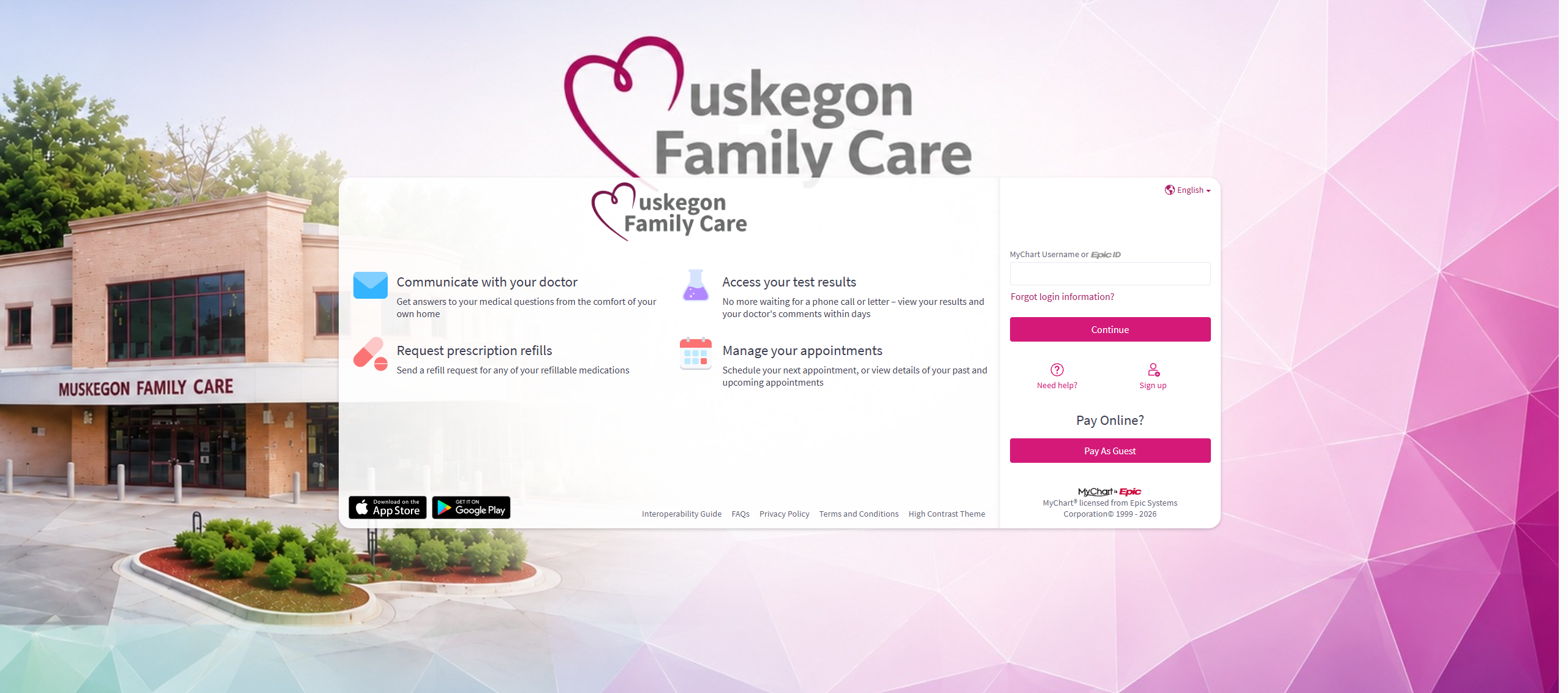
Muskegon Family Care has transitioned to a new electronic health record system (MiEpic). Manage appointments, message your care team, review lab results, and request prescription refills through our updated MyChart portal.
- Log In to MFC MyChart (Existing Users & Account Activation)
- Open / New Patient Scheduling (Book an appointment online without an existing account)
⚠️ Important Notice for Returning Patients
Muskegon Family Care now operates its own independent MyChart platform, separate from Trinity Health.
- Your prior Trinity Health MyChart username and password cannot be used to log in to the new MFC MyChart portal.
- If you see providers at both Muskegon Family Care and Trinity Health, you can link both accounts together using MyChart Central (detailed below).
Managing Multiple Portals with MyChart Central
If you receive care from multiple health systems in West Michigan—such as Muskegon Family Care, Trinity Health, or Corewell Health—you do not need to switch between multiple websites. MyChart Central combines your records into a single dashboard using one login.
- Access MyChart Central: Access your unified patient portal dashboard.
- Account Setup Instructions: Step-by-step guidance for setting up your MyChart Central account.
- Linking Healthcare Organizations: How to connect your Muskegon Family Care account to Trinity Health, Corewell Health, and other participating clinics.
- Frequently Asked Questions: Answers regarding data privacy, password recovery, and multi-organization access.